Set Your Best Video On Incoming Call Screen
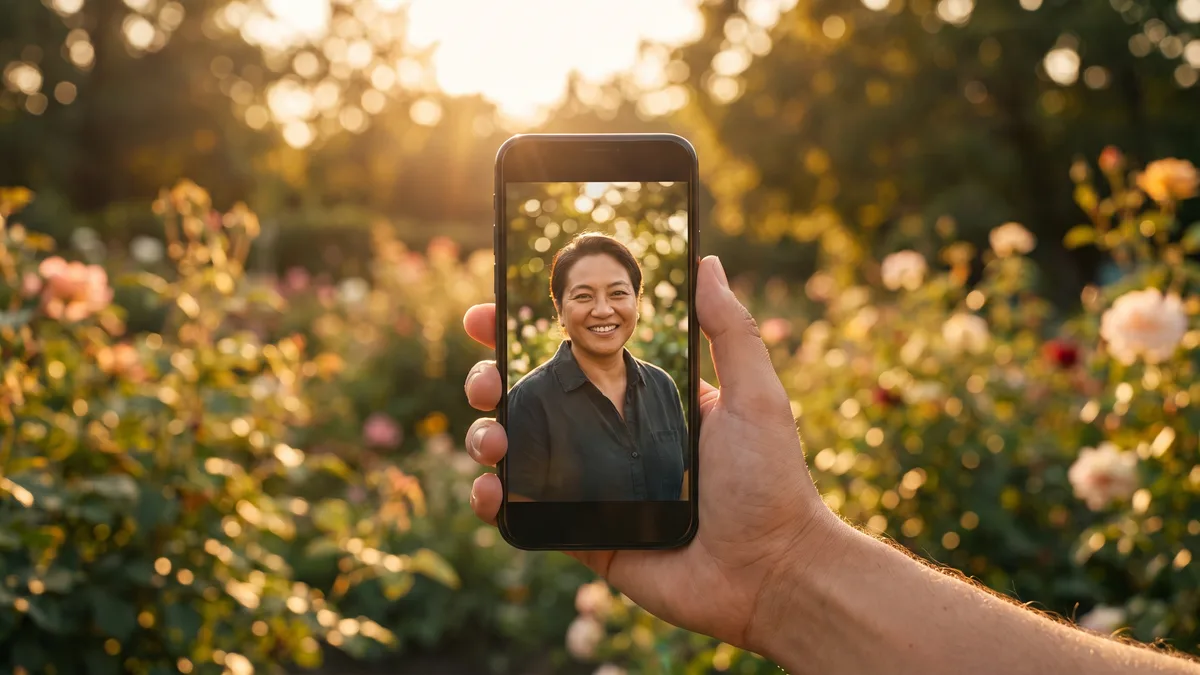
The screen your phone shows during an incoming call is one of the last places Android leaves entirely plain. A name, a number, two buttons. Video ringtone apps replace that with a clip of your choosing, so a call from a particular person arrives with a scene attached to them.
It is a nice effect and it is not free. To draw over a ringing call, an app has to sit above every other window on your device and hook into the calling system itself. That is a serious level of access, and it has consequences for how fast you can answer, how long your battery lasts, and how easy the app is to remove later. All of that is covered below, along with the setup itself.
What These Apps Are Actually Doing
Android does not offer a setting for this. The incoming call screen belongs to your dialer, and a third-party app cannot simply edit it. So these tools take one of two routes.
The first is an overlay. The app is given permission to draw on top of other applications, it listens for the call state changing, and the instant a call arrives it paints your video across the whole display with its own answer and decline controls. The real call screen is still underneath, hidden.
The second route is more thorough: the app asks to become your default phone app, taking over calling entirely. That gives it a stable, properly supported place to render the video, but it also means every call you make and receive now passes through software that is not the one your manufacturer shipped. Overlay apps are lighter and easier to undo. Dialer replacements look smoother and are the harder thing to reverse.
Knowing which one you have installed matters, because the removal instructions later in this piece differ between them. If the app asked you to set it as your default calling app, you have the second kind.
Setting One Up From Start To Finish
Step 1: Install from the official store rather than a forwarded installer. An app that handles your calls is not a category to sideload, and store copies update themselves when Android changes its call handling rules.
Step 2: Grant the overlay permission when prompted, usually described as displaying over other apps. Without it the video never appears and the app looks broken, which is the single most common complaint about this category.
Step 3: Grant phone and call log access so the app knows when a call has arrived and who is calling. Grant contacts access only if you intend to assign different clips to different people; skip it if you want one video for everybody.
Step 4: Exempt the app from battery optimisation. Many Indian-market phones suspend background services aggressively, and a suspended service cannot react in time to draw over a call. This is the second most common cause of a setup that seems to work at first and then quietly stops.
Step 5: Choose a clip from your gallery or the app's built-in collection, then trim it to something short. Fifteen to thirty seconds is plenty, because a caller rarely lets a phone ring longer than that before hanging up.
Step 6: Decide about audio. If the clip keeps its own sound, it will usually fight with your ringtone or replace it, and a video with quiet audio then means a call you do not hear. Mute the clip and keep your normal ringtone unless you specifically want the clip's soundtrack as your ring.
Step 7: Apply it as the global call screen, then override individual contacts if you want a different clip for family. Assigning per contact is the setting worth using, for reasons covered further down.
Step 8: Test with a real call from another phone, both with the screen locked and with the screen already on. Those two situations behave differently, and an app that works in one can fail in the other.
The Permissions You Are Handing Over
This is the part to read slowly. The permission set here is genuinely intrusive, and it is worth knowing what each one enables before you agree.
- Display over other apps — the app can paint anything on top of anything, including your banking app or a payment confirmation screen
- Phone and call state — it knows every number that calls you and every number you dial
- Call log access — it can read your calling history, not just live calls
- Contacts — the names behind those numbers, needed only for per-contact clips
- Default dialer role, on some apps — full control of placing, receiving and ending calls
- Storage or media access — to read the clip you selected, and on some apps to read your whole gallery
- Background execution and autostart — so it survives being closed and is running when a call arrives
Taken individually, each request makes sense for the feature. Taken together, they describe an application that can watch who contacts you and draw whatever it likes over your screen. That is fine for a well-behaved app from a developer you can identify. It is a poor bargain for an unknown package installed from a link, which is why sideloading in this category is a bad idea rather than merely an inadvisable one.
One practical suggestion: skip contacts access on the first run and see whether you actually miss it. A single video applied to all calls needs no access to your address book at all, and refusing a permission you do not need costs you nothing.
Where It Gets In The Way Of Answering
This is the honest downside, and demonstrations never show it. An overlay has to be drawn before you can interact with it, and drawing a video is slower than drawing a static screen. On a phone with plenty of memory the delay is barely noticeable. On a budget device, or on a phone that has been running for days without a restart, the video can arrive a second or two into the ring, and during that gap your taps land on nothing.
There are other situations where the effect breaks down. A call arriving while you are inside a full-screen game or a video app may not get the overlay at all, because the foreground app is already holding the display. Do Not Disturb and driving modes can suppress it. On a car Bluetooth connection the audio routes away while the video still plays on the phone, which is a distraction you did not ask for at the wheel. And if the app's background service was killed to reclaim memory, the call simply arrives on the ordinary screen, which is harmless but makes the feature feel unreliable.
The failure mode that actually costs you something is a missed call from a number you needed. If your work depends on picking up quickly, weigh that against the visual appeal, because a system-level screen that always draws instantly is genuinely more dependable than a third-party one that draws when it can.
Battery, Storage And Heat
Two costs run in parallel here. The first is constant: a service sits in memory all day waiting for calls, and although it does very little while idle, it is one more process the system has to keep alive. The second is intermittent but heavier: decoding and playing video at full brightness on every incoming call uses far more power than showing a name on a dark background.
If you receive a handful of calls a day, the difference is small enough to ignore. If your phone rings constantly, it adds up, and it shows as warmth as well as drain. The sensible compromise is the per-contact setting mentioned earlier: assign clips to the few people whose calls you want to look special and leave the rest on the standard screen. You keep the effect where it matters and drop most of the cost.
Storage is the minor concern. Clips are stored inside the app, and a library of stock videos downloaded from its collection can grow larger than you expect. If space gets tight, delete the built-in clips you never applied before you start hunting through your photos.
Video call screens — worth it or not
- Visual appeal — genuinely striking the first several times
- Reliability — inconsistent on budget hardware and during full-screen apps
- Permission cost — high, and higher than most users realise
- Battery impact — noticeable on a phone that rings often
Summary
Fun to set up and easy to enjoy for a week, but it asks for deep access and slightly degrades the one thing your phone must never get wrong.
Choosing A Clip That Works On A Call Screen
Most disappointment here comes from the clip, not the app. A video shot for a wide screen looks wrong stretched across a tall phone display, and a busy scene makes the answer and decline buttons hard to find.
- Use a vertical clip, or crop a horizontal one, so it fills the screen without stretching
- Keep it under thirty seconds — anything longer is never seen
- Pick footage with a calm area near the bottom where the call controls sit
- Avoid rapid flashing or strobing, which is unpleasant at night and genuinely unsafe for some people
- Mute the audio unless you deliberately want it as your ringtone
- Test it once at night with the screen at low brightness, since a dark clip can make the buttons almost invisible
One more consideration people forget: whatever you choose will be shown to anyone standing near you when a call comes in. A clip that is charming in private can be awkward in a meeting or in front of family, and unlike a ringtone you cannot silence it by turning the volume down.
Taking It Off Without Breaking Your Dialer
Removal in the wrong order is where people get stuck, sometimes with a phone that cannot receive calls properly. Do it in this sequence.
Step 1: Inside the app, turn the video call screen off and remove any per-contact assignments. Let it revert to normal behaviour while it is still installed and able to clean up after itself.
Step 2: If it was set as your default calling app, go to Settings, find the default apps section, and set your original dialer back before you uninstall anything. Skipping this step is what leaves people without a working phone screen.
Step 3: Revoke the display-over-other-apps permission in Settings, so nothing can draw on your screen even if a component lingers.
Step 4: Check the device admin list. A small number of apps in this category register there to resist removal, and an app with that flag set cannot be uninstalled until you deactivate it.
Step 5: Now uninstall, then restart the phone and make one test call in each direction. A reboot clears any leftover overlay service still sitting in memory.
If calls still behave oddly afterwards, clear the cache of your stock phone app and confirm it is set as the default handler for calls. That resolves nearly every leftover problem without a factory reset.
Who Should Leave This Alone
Skip it if your phone is short on memory. The feature depends on a background service surviving, and on a device where the system is constantly reclaiming memory it will work unpredictably, which is worse than not having it.
Skip it if missing a call carries a real cost — if you run a business from your phone, or you are waiting on a hospital, or you drive for a living. Skip it if you handle sensitive work on the device, since an app that can draw over any window is a category you should keep off a phone used for confidential material. And skip it if the only version you can find is a file someone sent you, because that combination of permissions in unknown hands is not worth a moving background.
Things People Ask Before Setting This Up
Can I use a different video for each person? Yes, that is the standard feature, and it is also the setting that keeps battery cost down. It requires contacts access, which is the trade you are making for it.
Will it work for calls inside messaging apps? Usually not. Those calls do not go through the mobile network's call system in the same way, so the app often never learns they are happening. Some tools claim support for specific messaging platforms; treat that as something to verify rather than assume.
Does the video play for the person calling me? No. Everything happens on your device only. The caller hears whatever your operator plays and has no idea any of this exists.
Why did it stop working after a system update? Android periodically tightens what overlays and background services may do, and updates frequently reset the permissions these apps depend on. Re-grant the overlay permission, re-apply the battery optimisation exemption, and confirm the app is still allowed to start in the background.
Can I use my own recording rather than a downloaded clip? Yes, and it is the better option. Your own footage is already the right shape for your phone and avoids a stock library you have to store.
Install this if you enjoy personalising your phone and you are on hardware with memory to spare. Set one clip, assign it to two or three people rather than everyone, mute the audio, and keep your normal ringtone doing the work of alerting you. If the idea of an app that can watch your call log and draw over your screen sits badly with you, that instinct is sound, and a plain call screen has never once failed to answer a call.